One launcher.Every home screen.
Axo is a minimalist Android launcher that hands you the layout knobs and then gets out of the way. Swap the whole personality of your phone in two taps.
- 120 Hz
- 0
- 62 MB
Poke at it. It's the real thing, minus the phone.
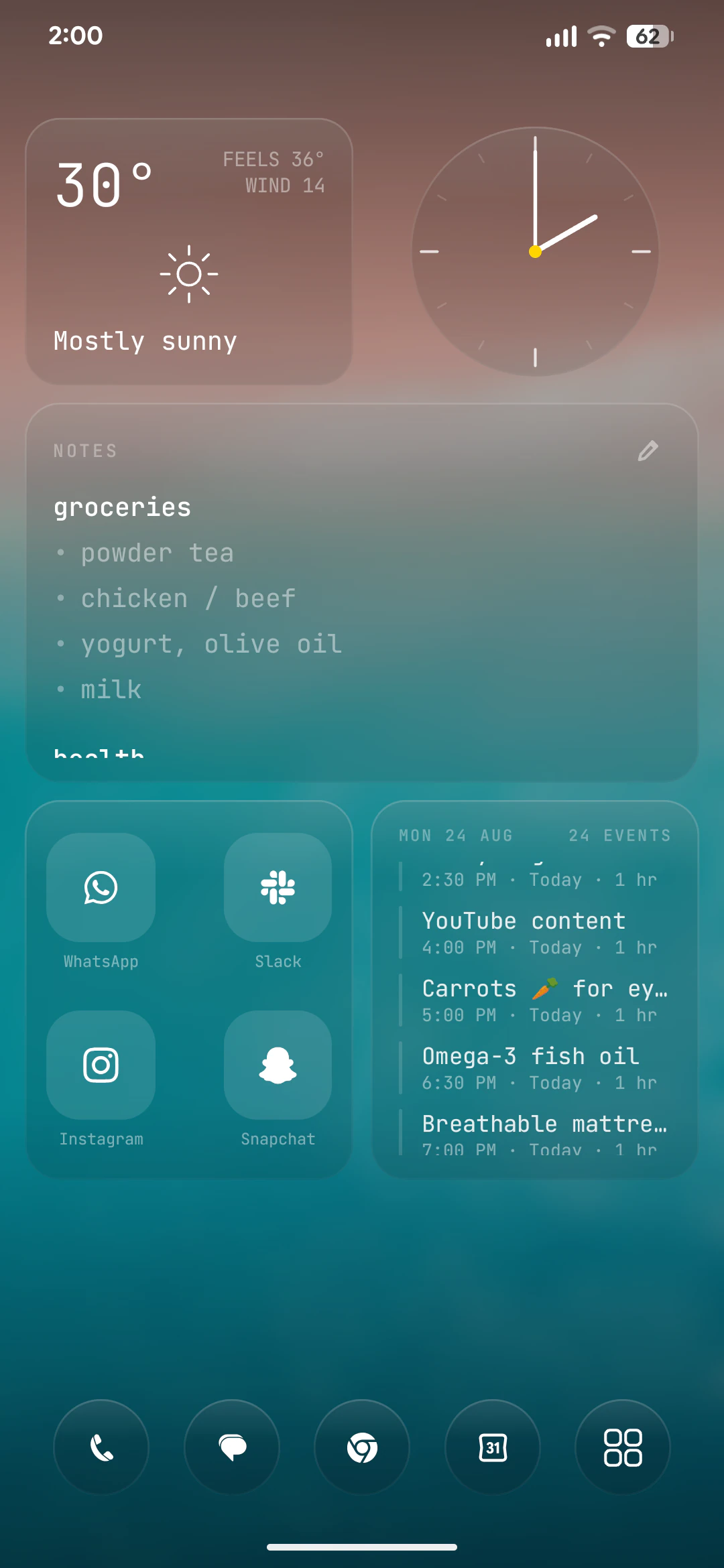
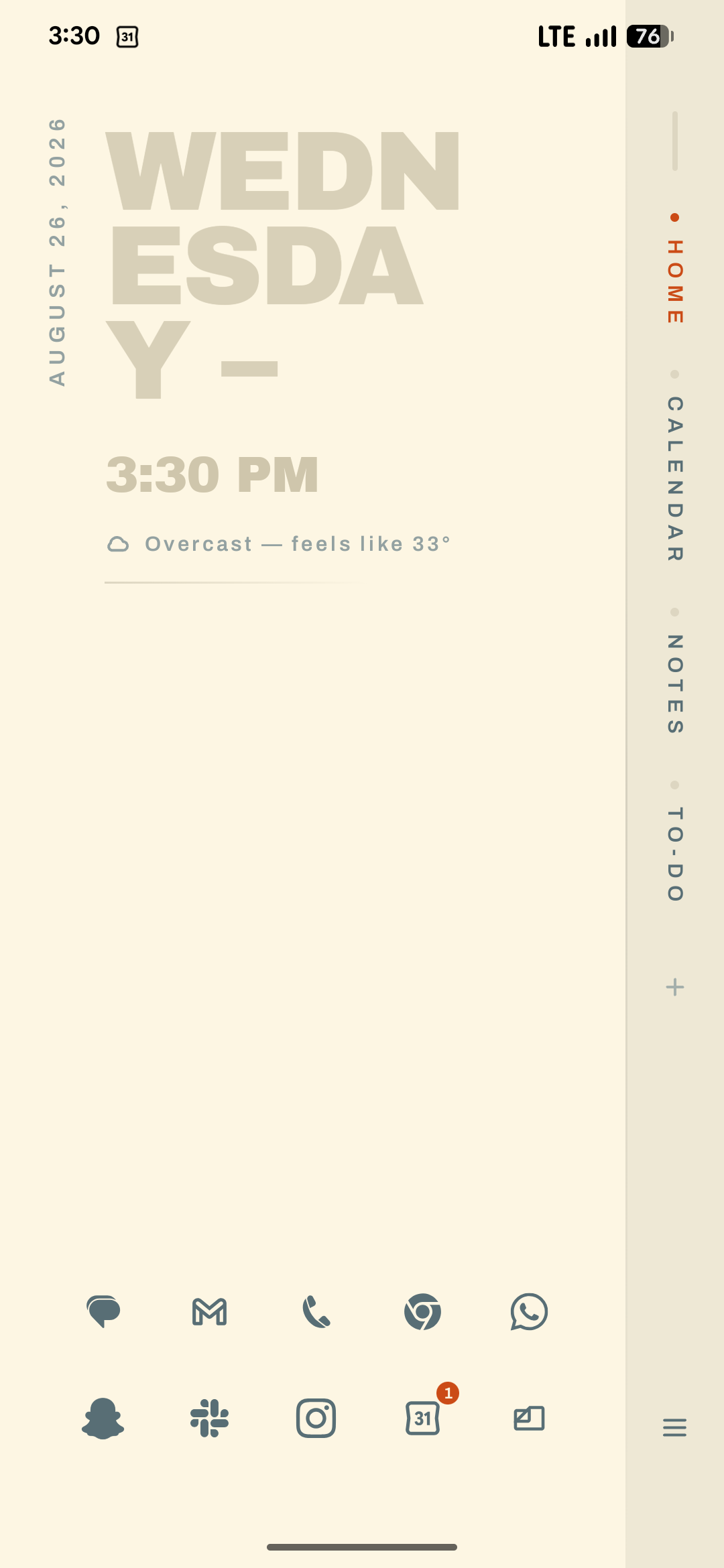
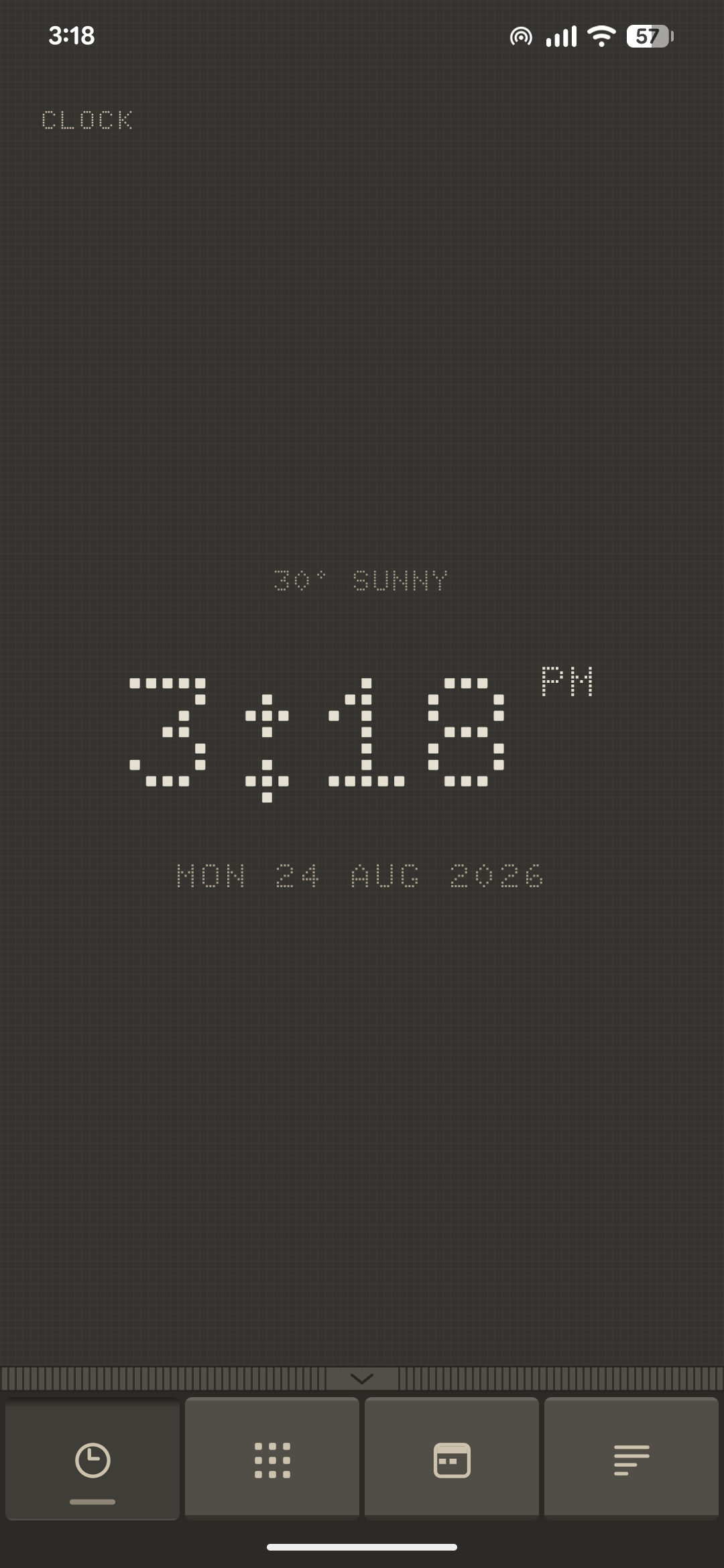
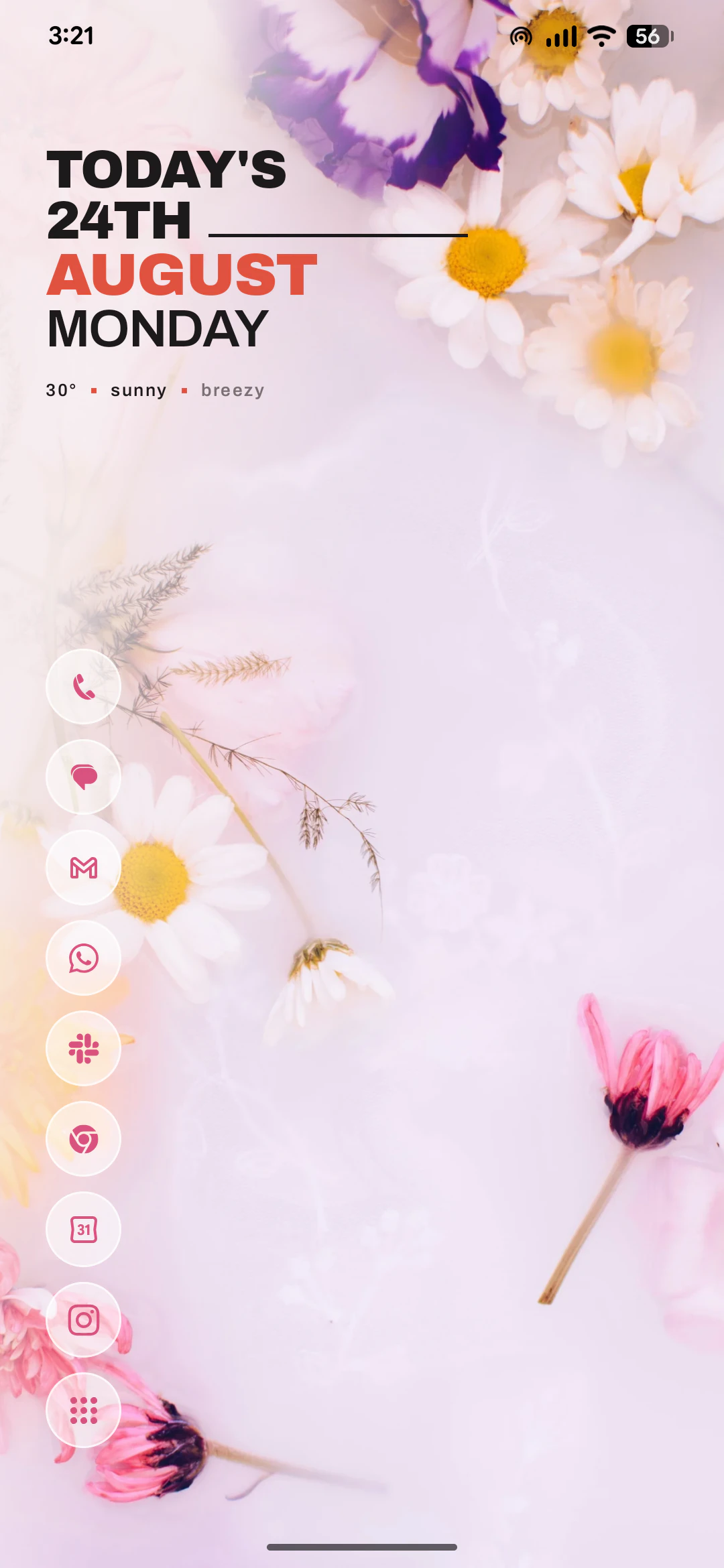
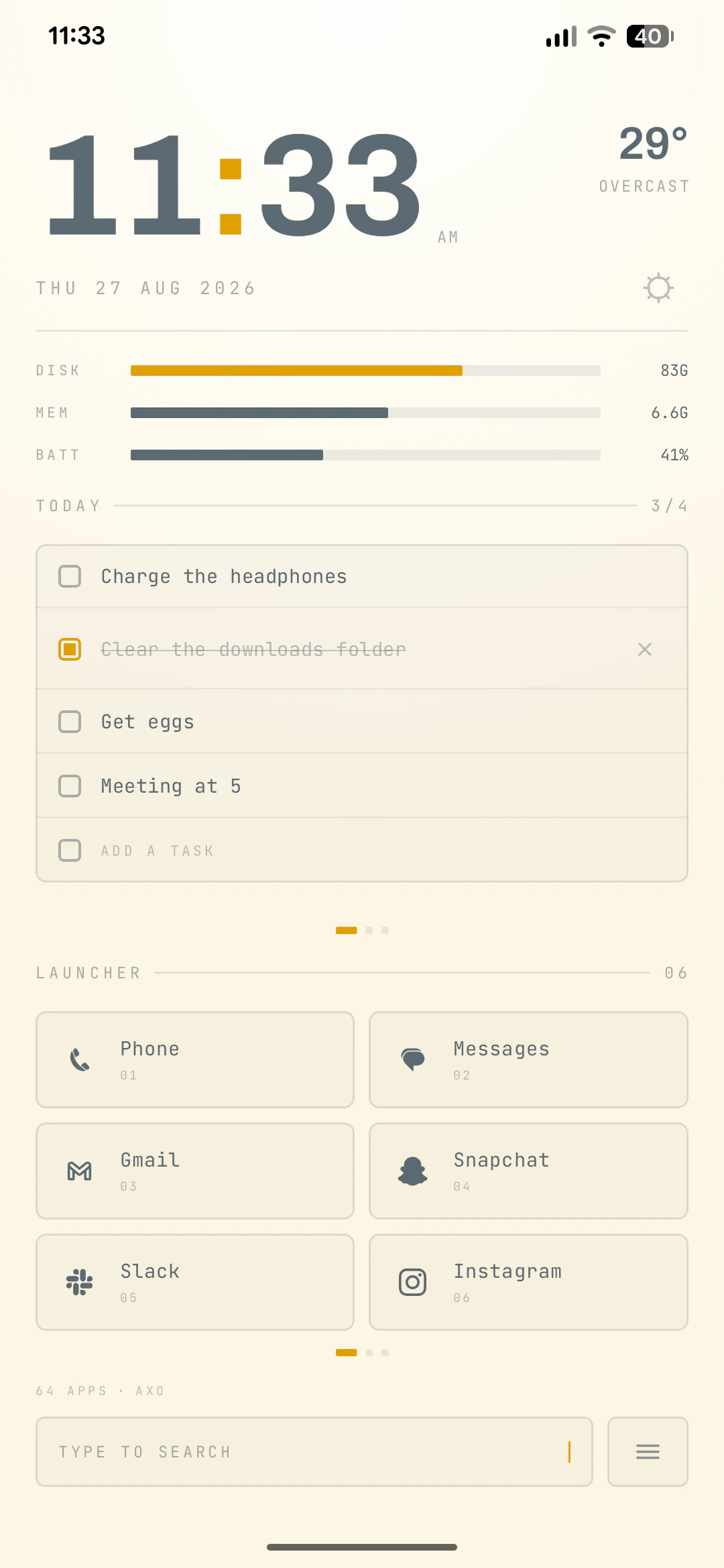
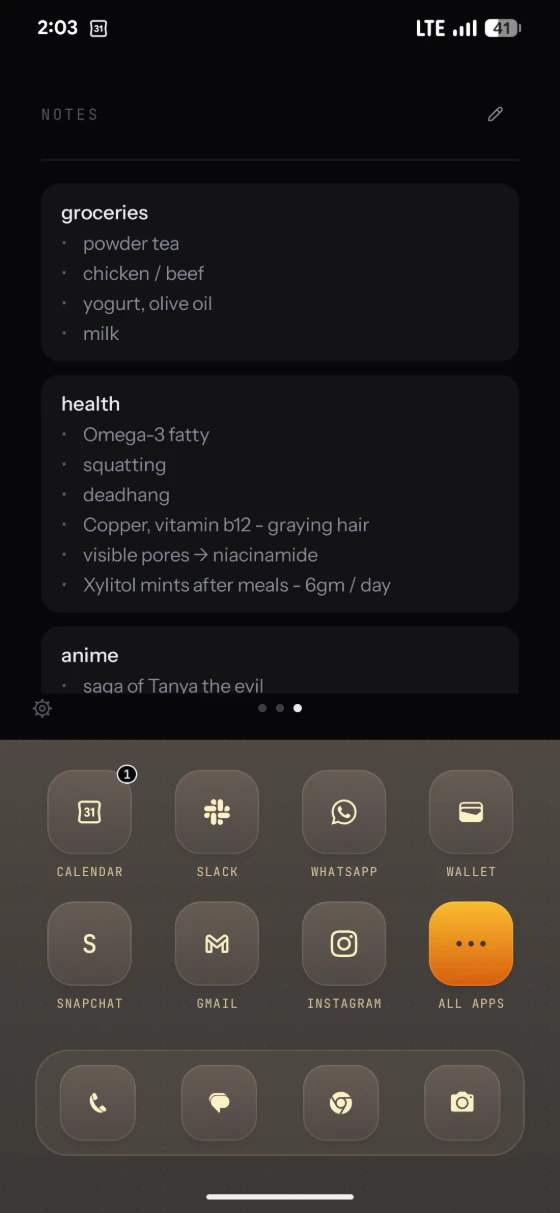
Pick a theme, flip through its pages. All 18 are in the app the moment you install it — 12 free, 6 with Pro. Nothing to download either way.
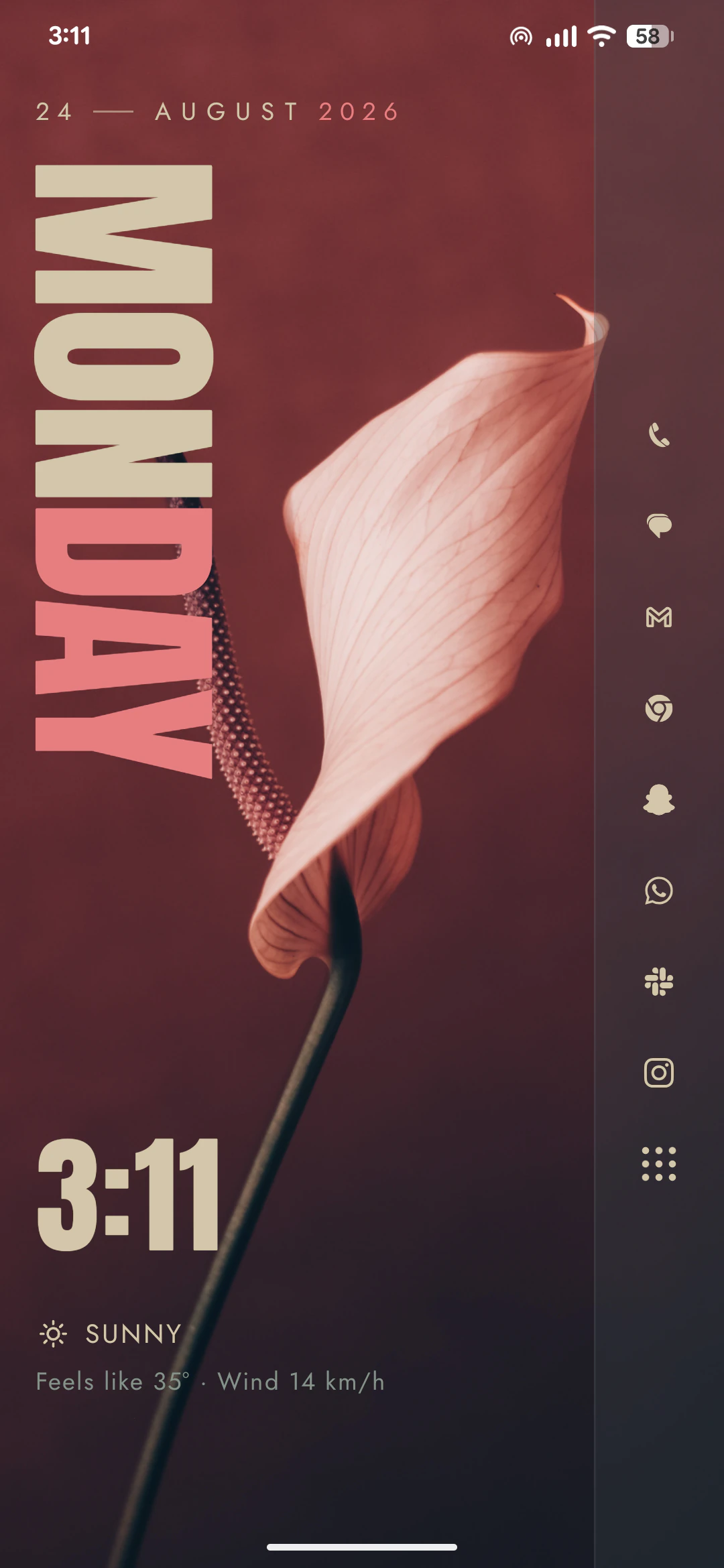
Everbloom
Paper, one band, and a rail you build
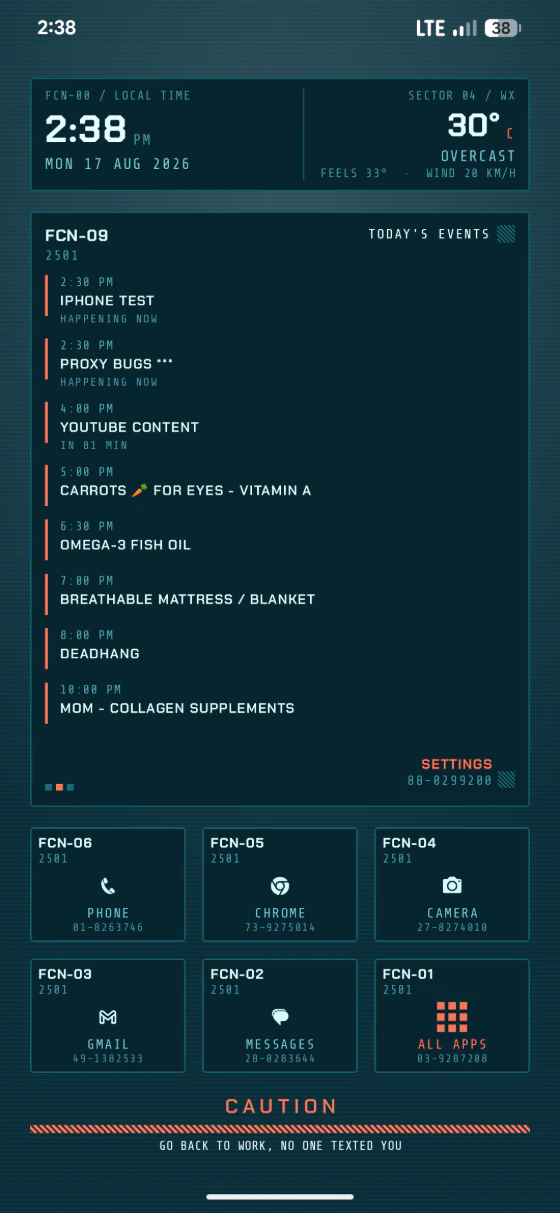
Four things it does obsessively well
Hold the wallpaper. That's the whole menu.
A long press on the background opens the theme you're on — its settings, its widgets, whatever it lets you rearrange. Every theme has to keep that route under your thumb, so changing the home screen never means leaving it.
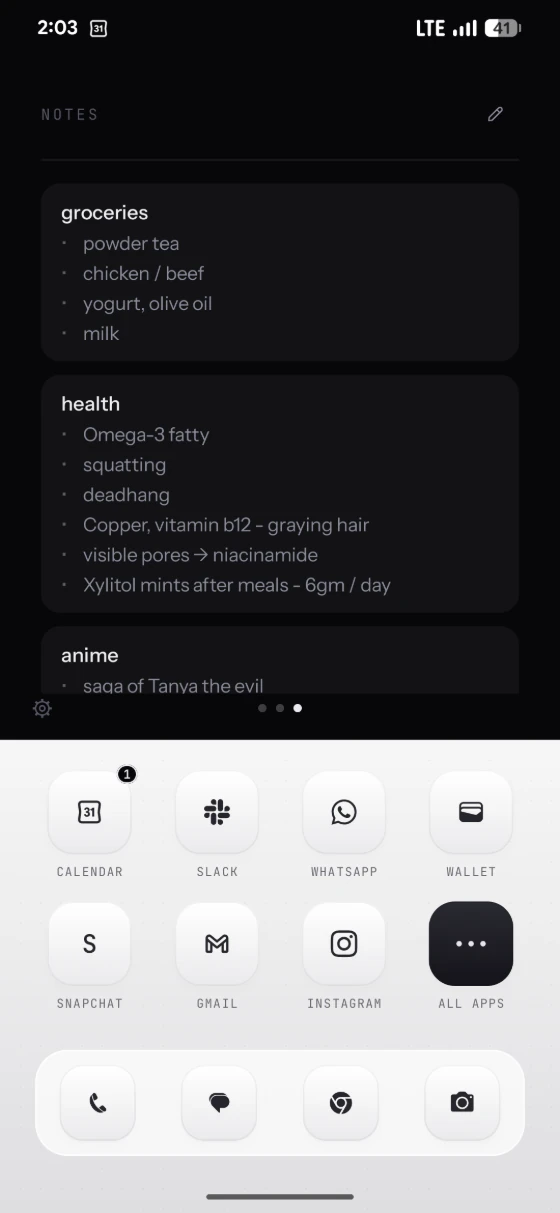
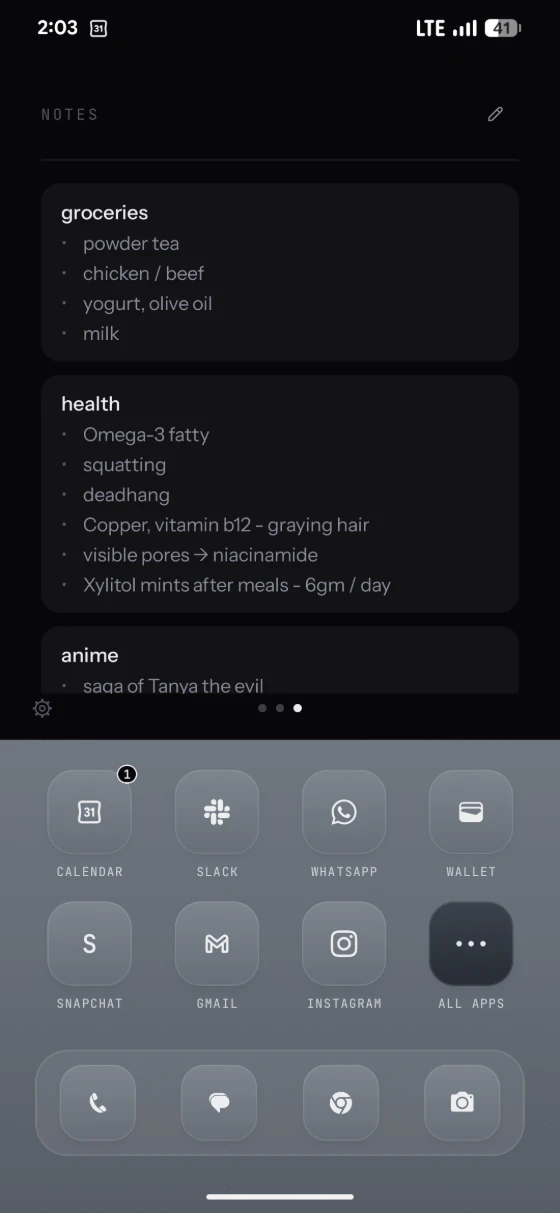
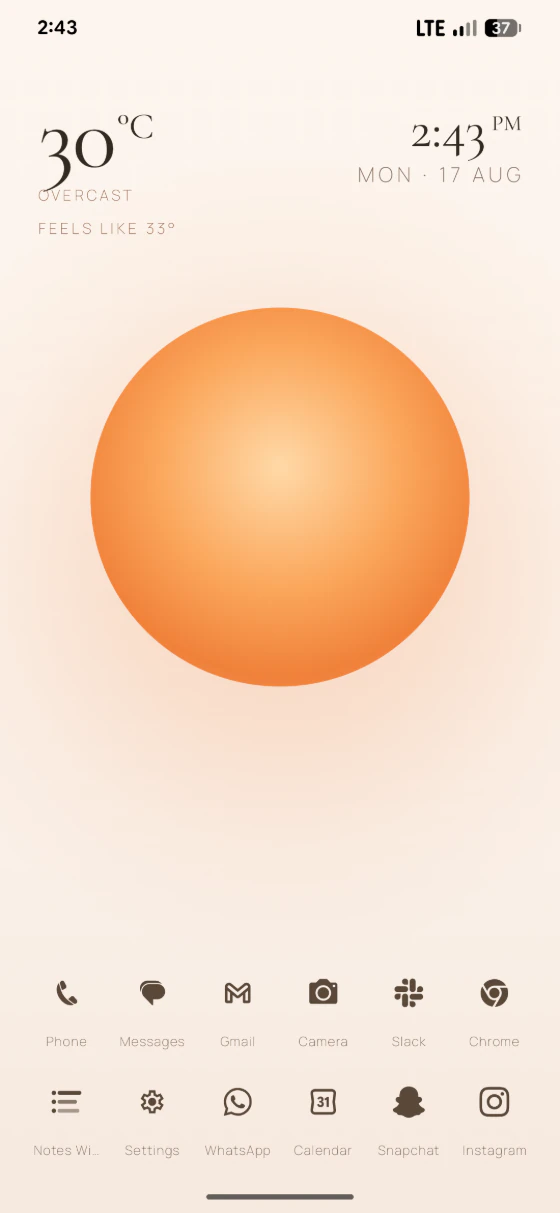
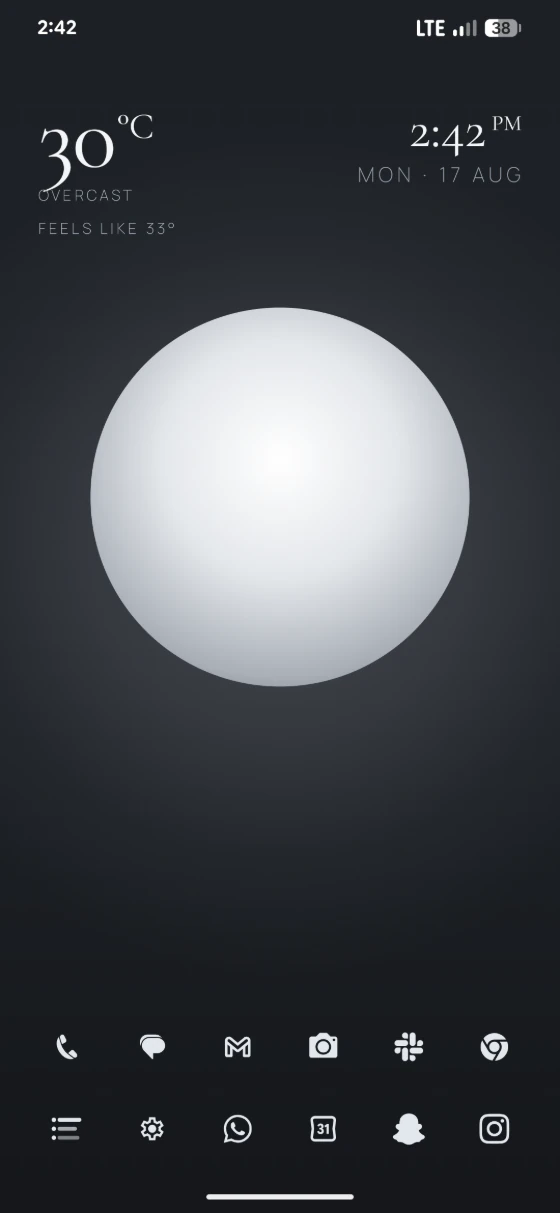
Material You, then well past it.
Axo pulls its palette from your wallpaper the moment you set it — and lets you overrule every swatch afterwards. Type, weight, corner radius, icon shape and monochrome tinting are all yours.
Notes, lists and clocks that live on the wallpaper.
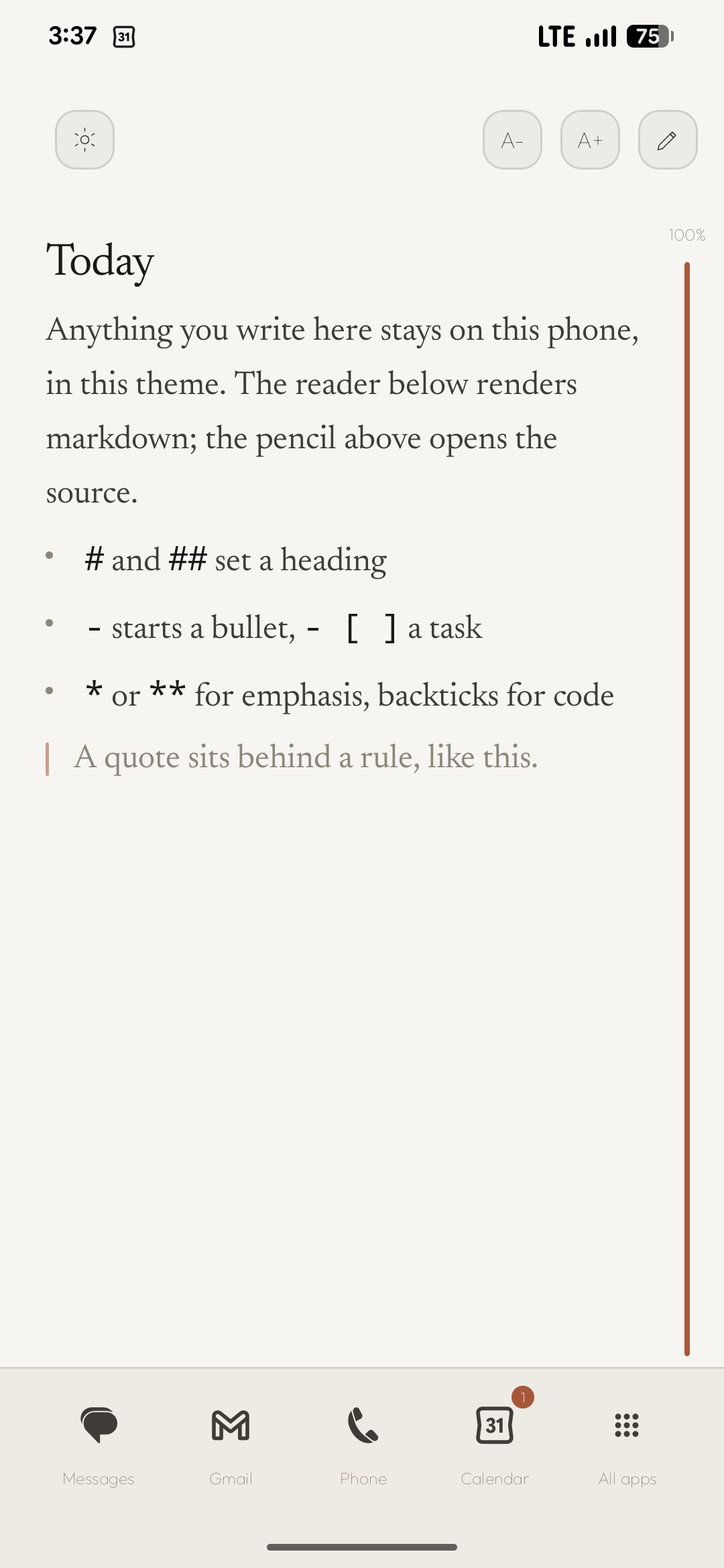
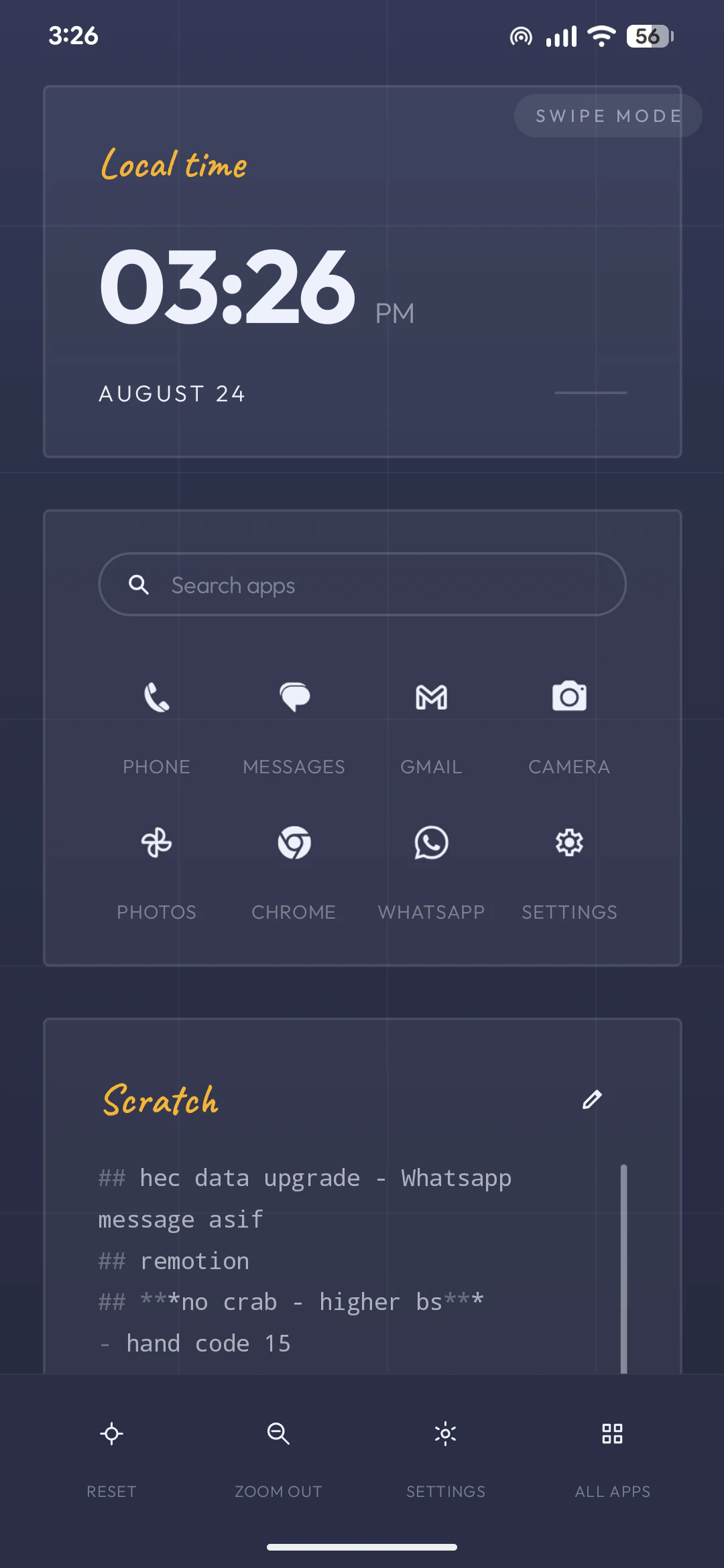
Built-in markdown notes, an agenda card, weather and a shelf of clock faces — all styled by your theme instead of fighting it. Third-party widgets snap to the same grid.
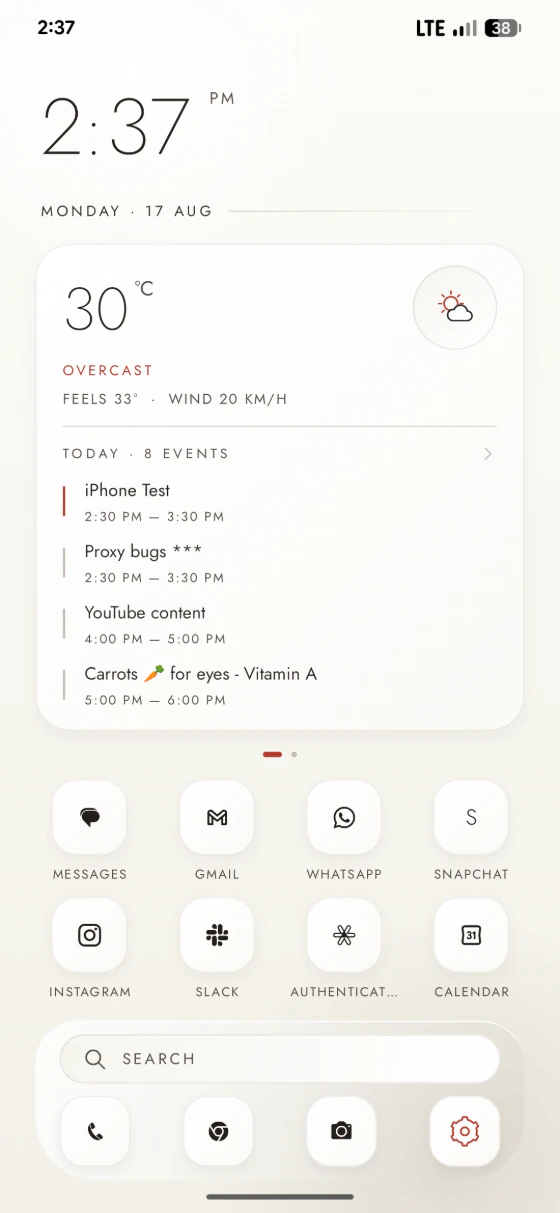
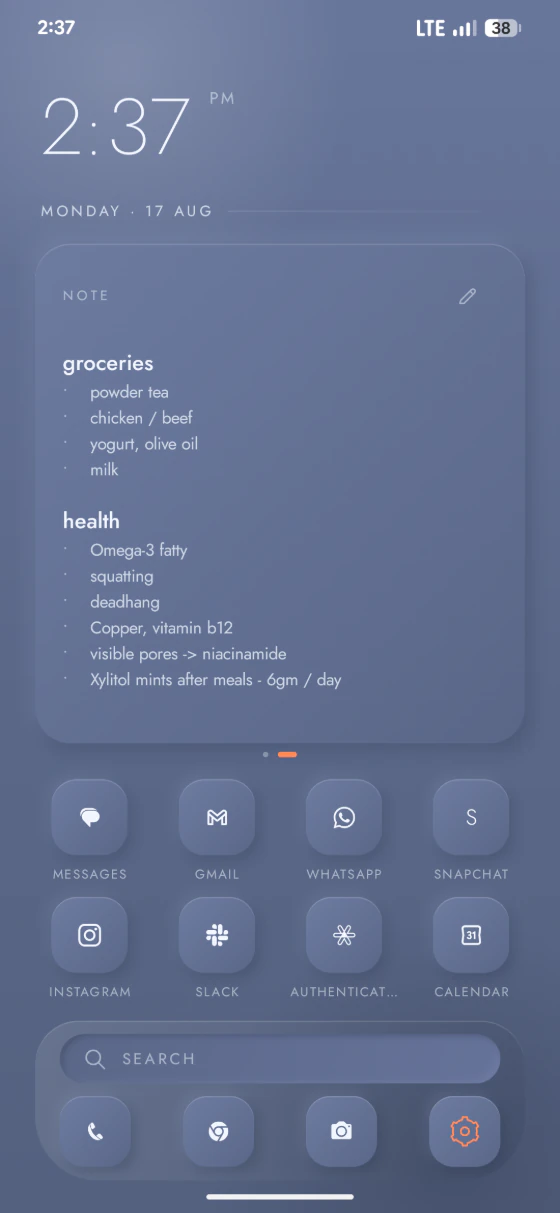
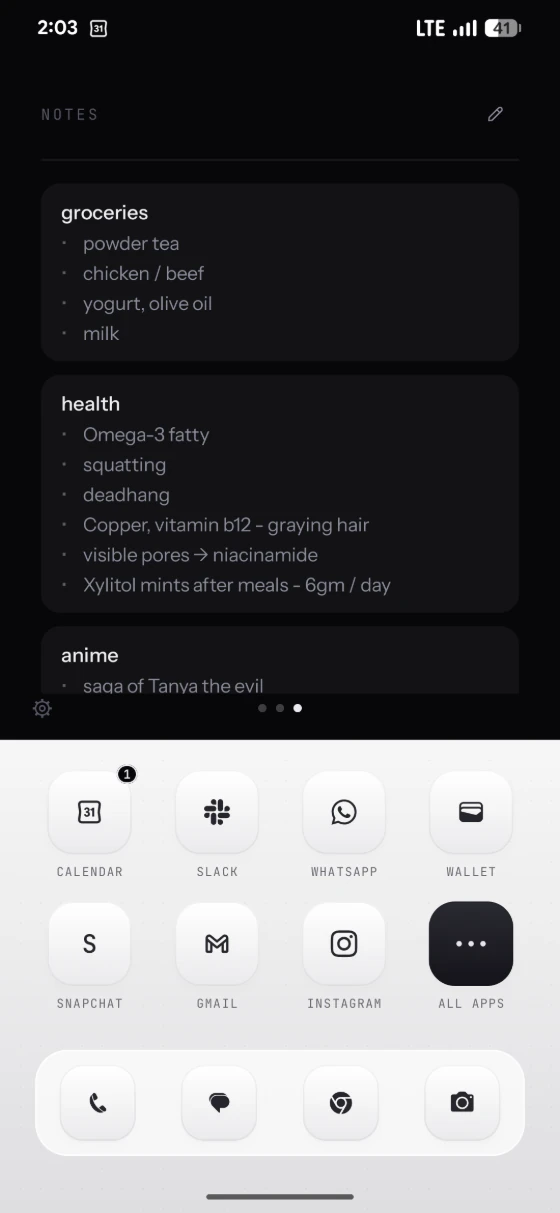
Small enough that you'll forget it's running.
About 62 MB of RAM at idle, no background services, no analytics SDKs. It launches on a 2 GB phone as happily as on a flagship, and it holds 120 Hz while it does.
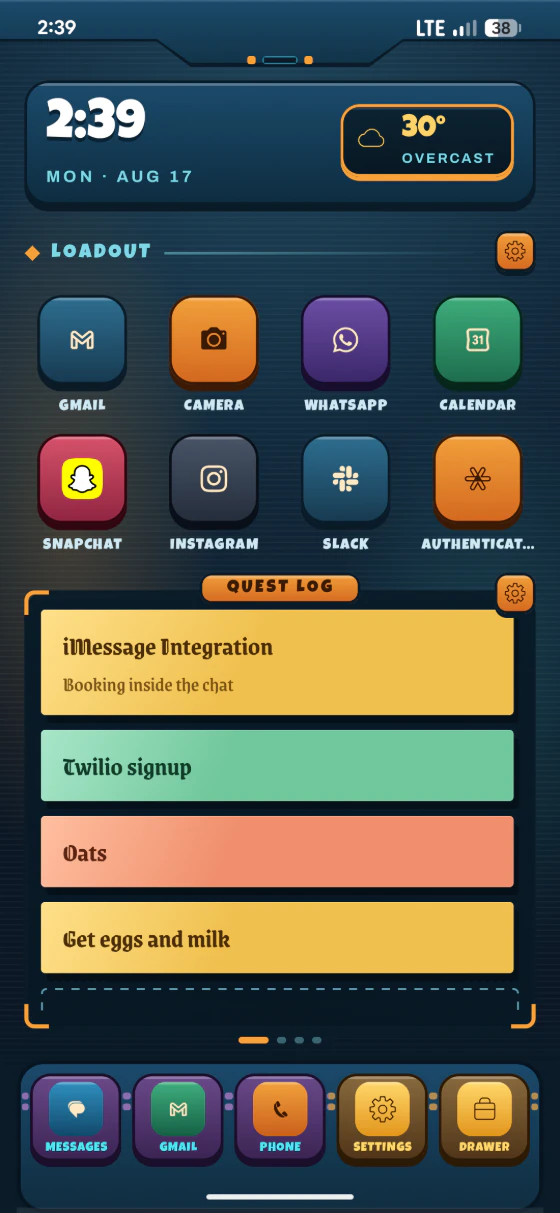
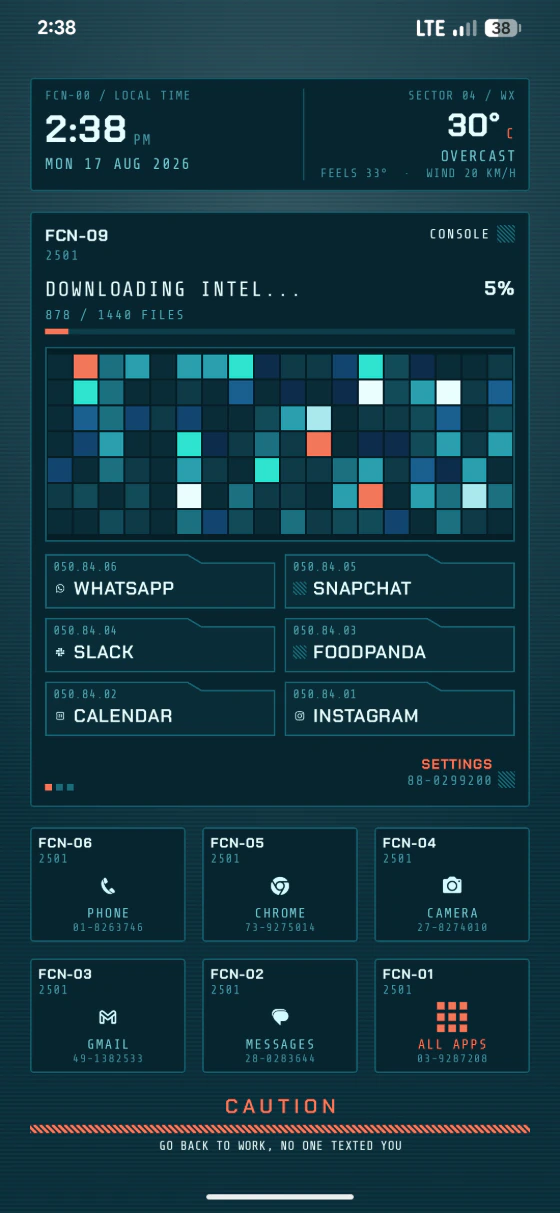
Every theme ships in the app
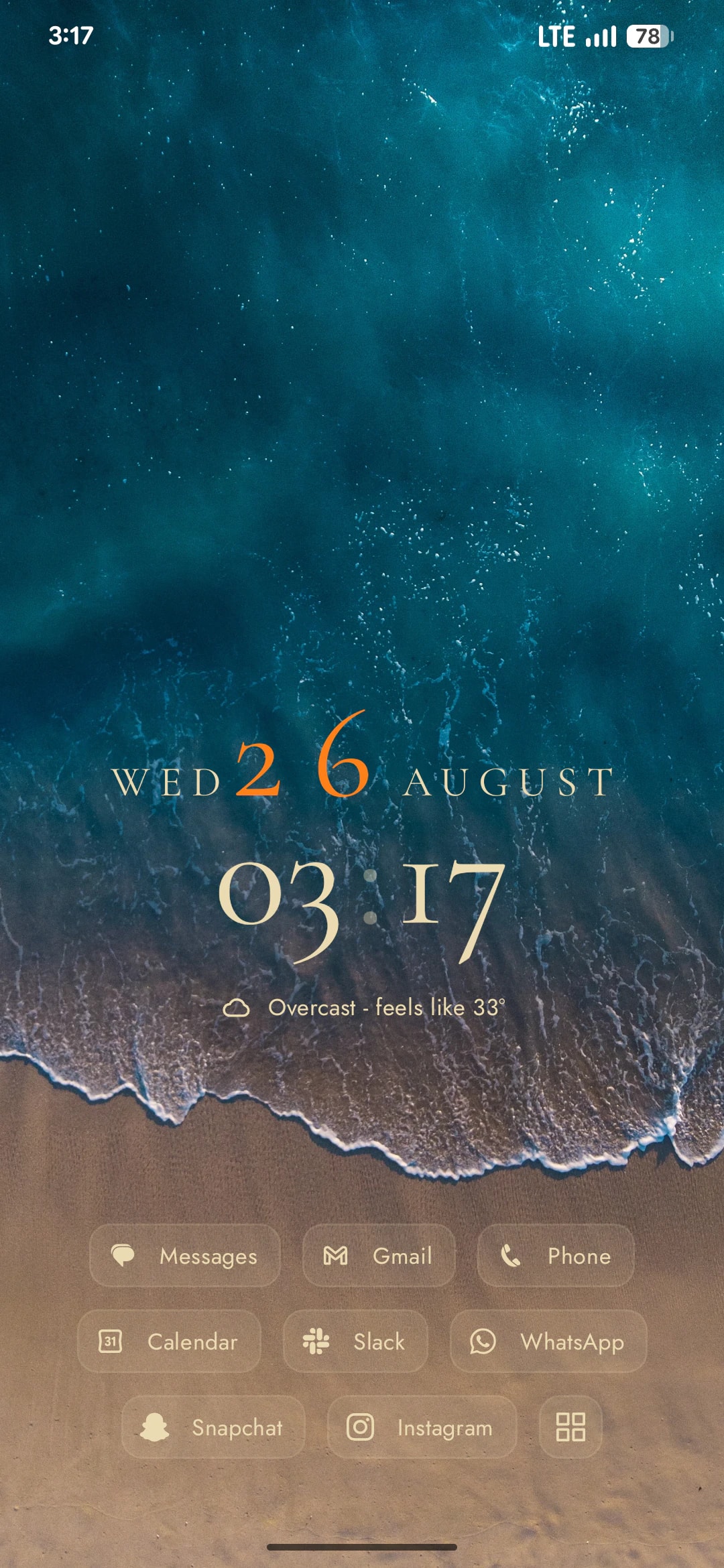
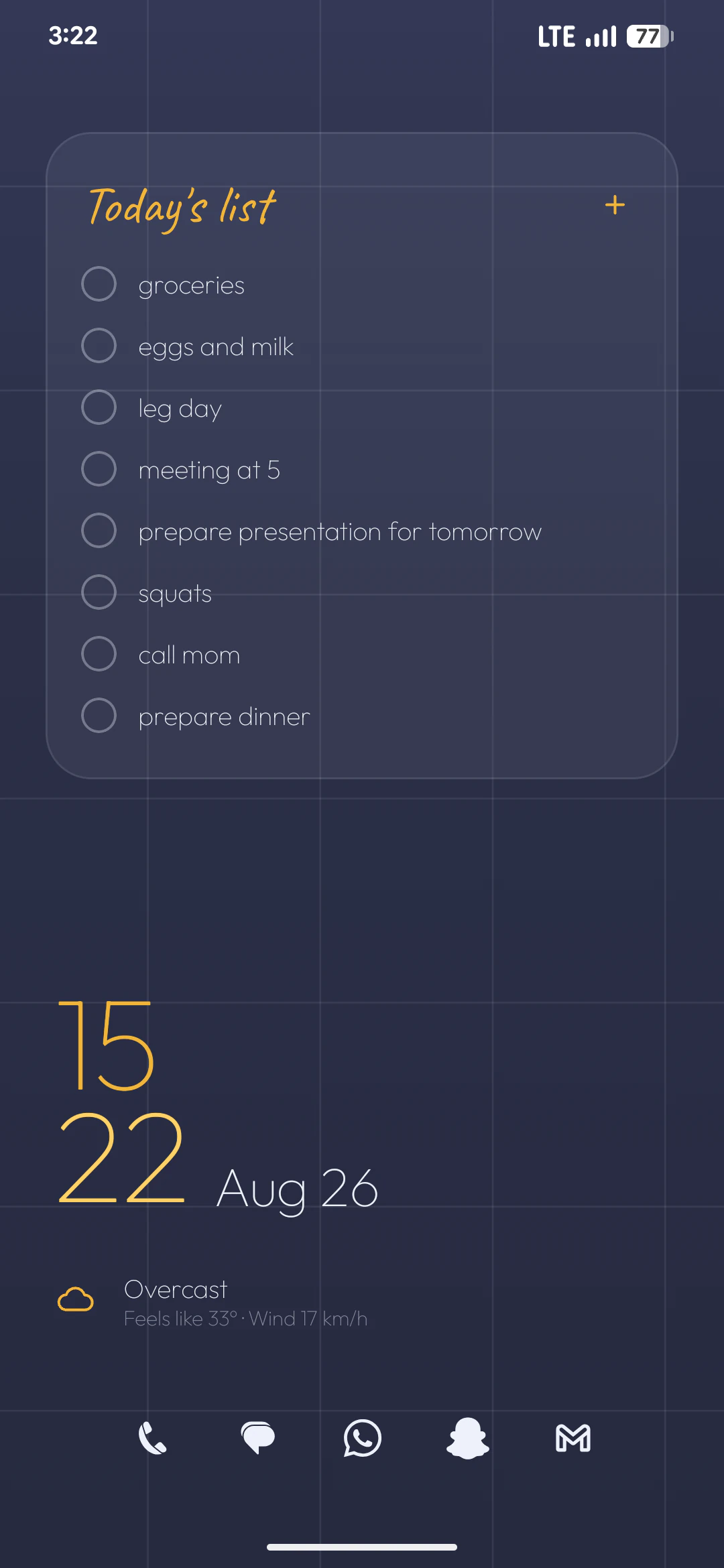
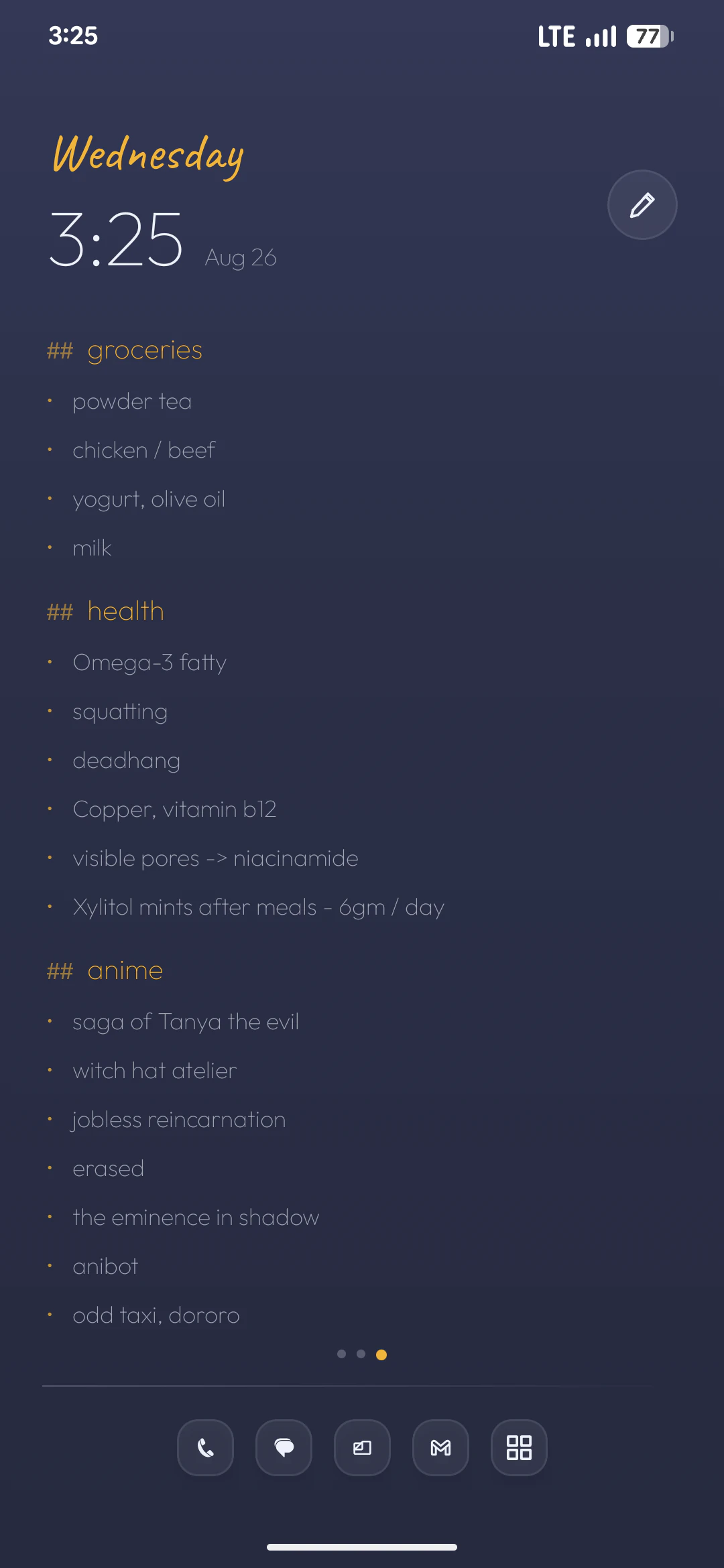
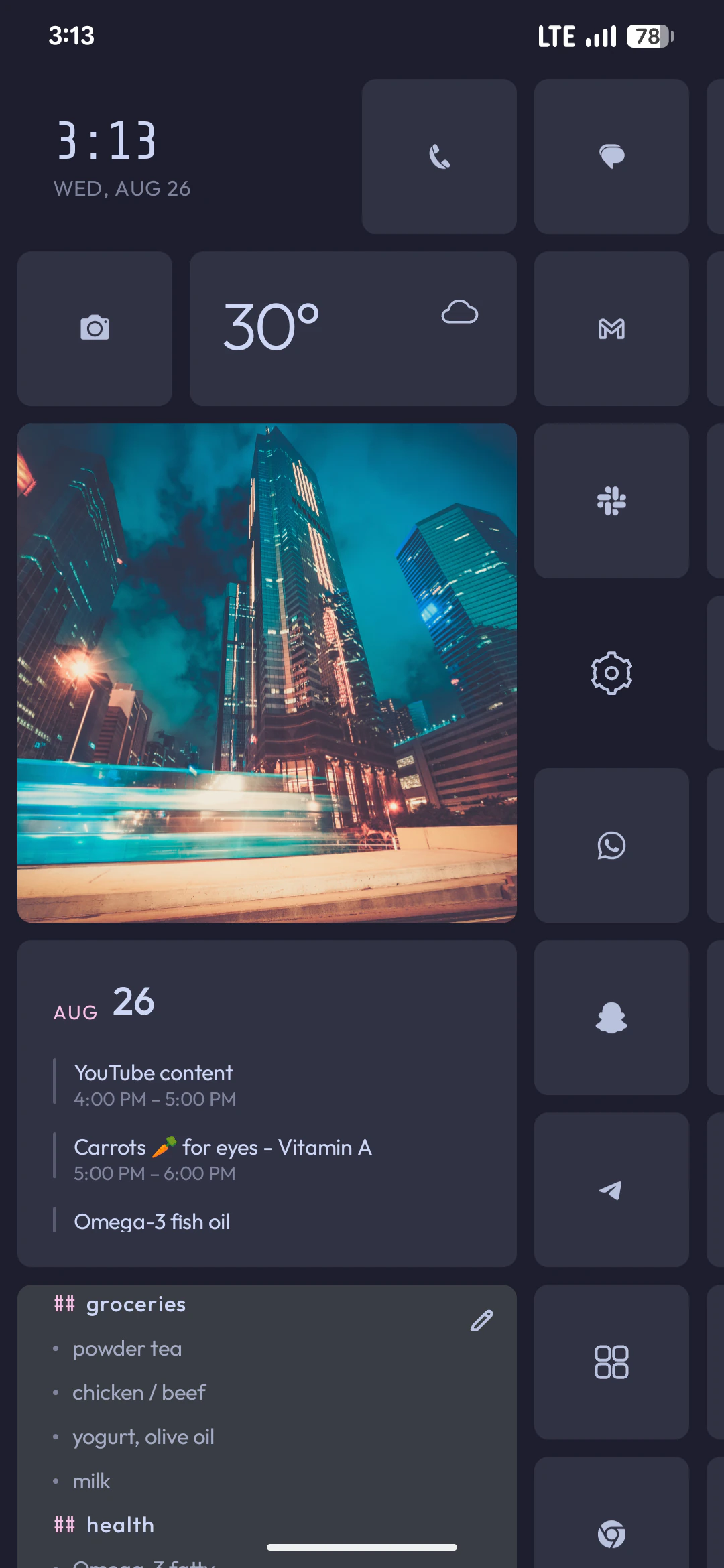
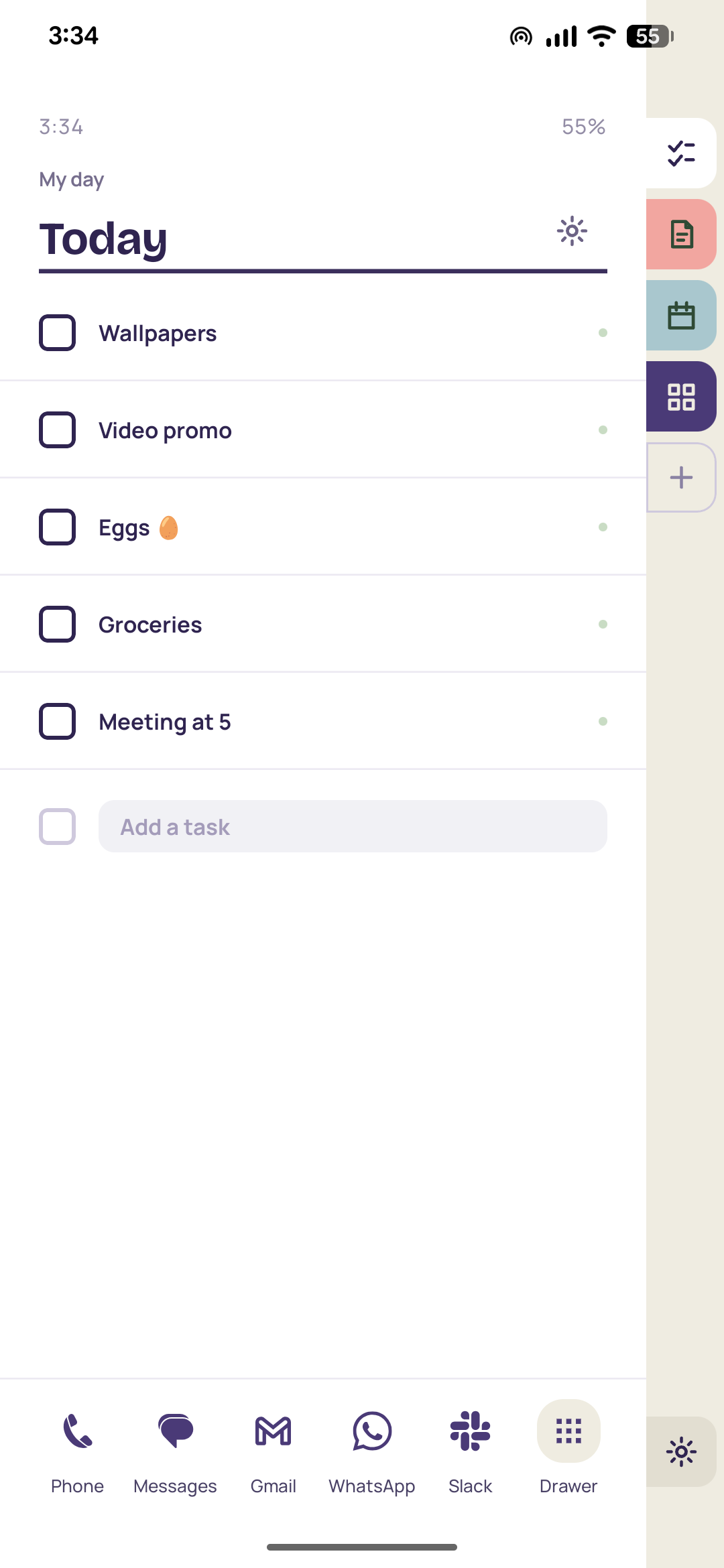
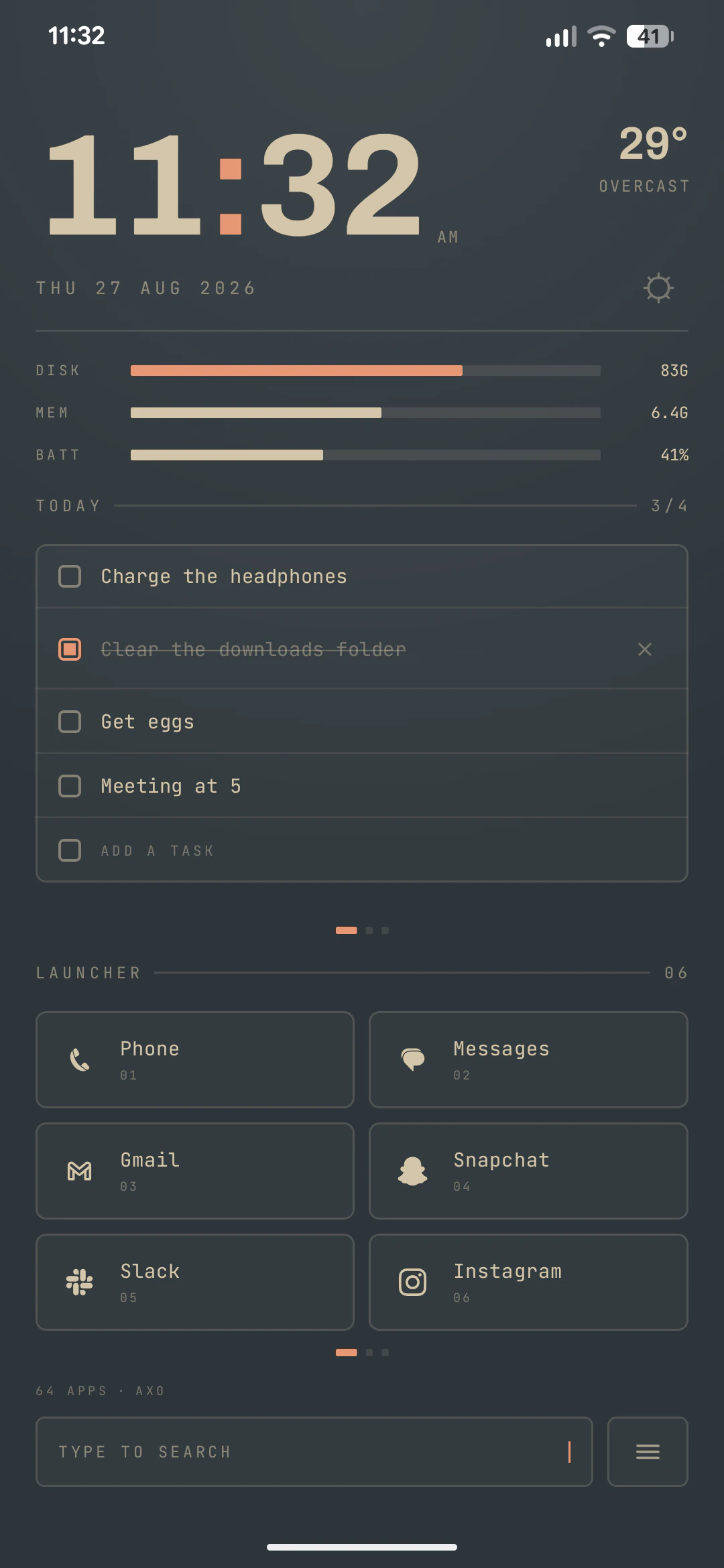
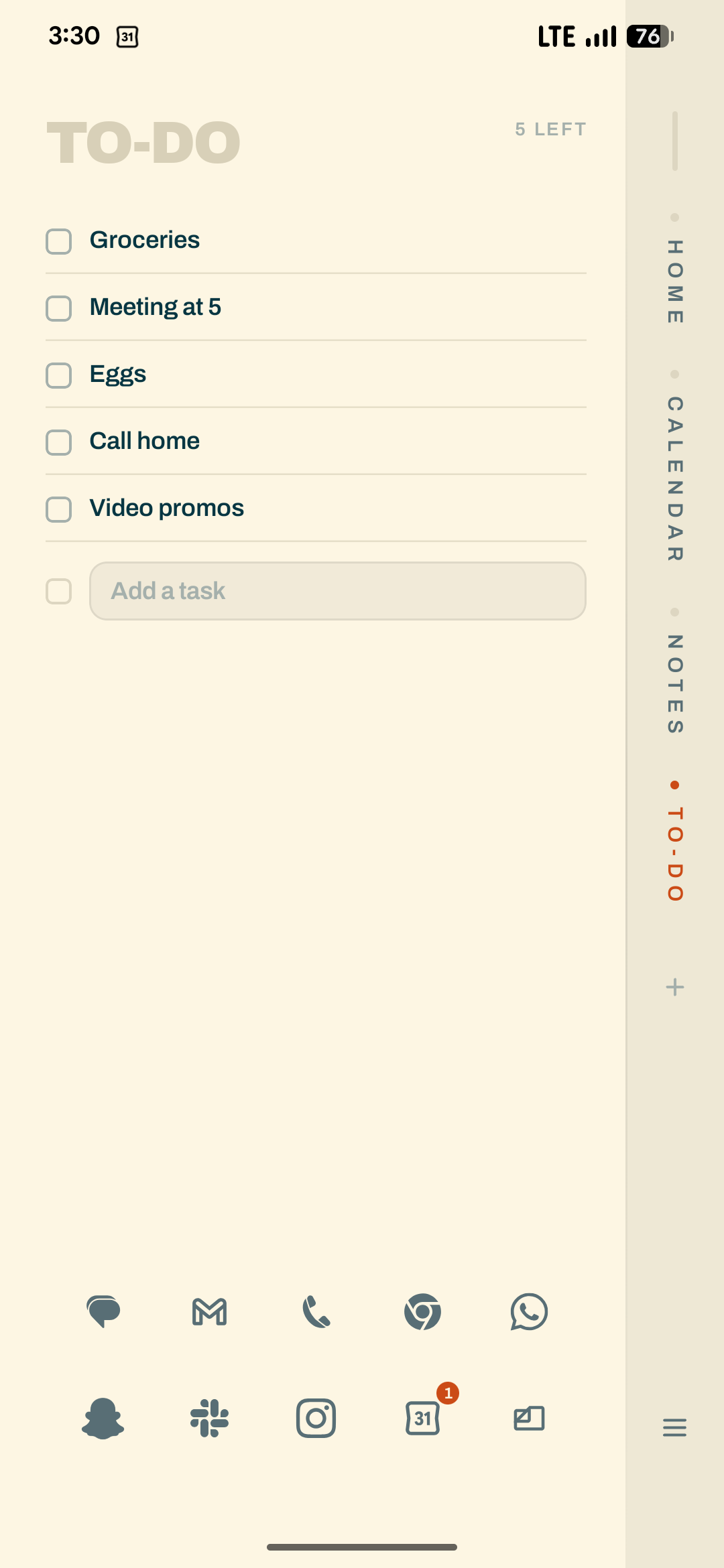
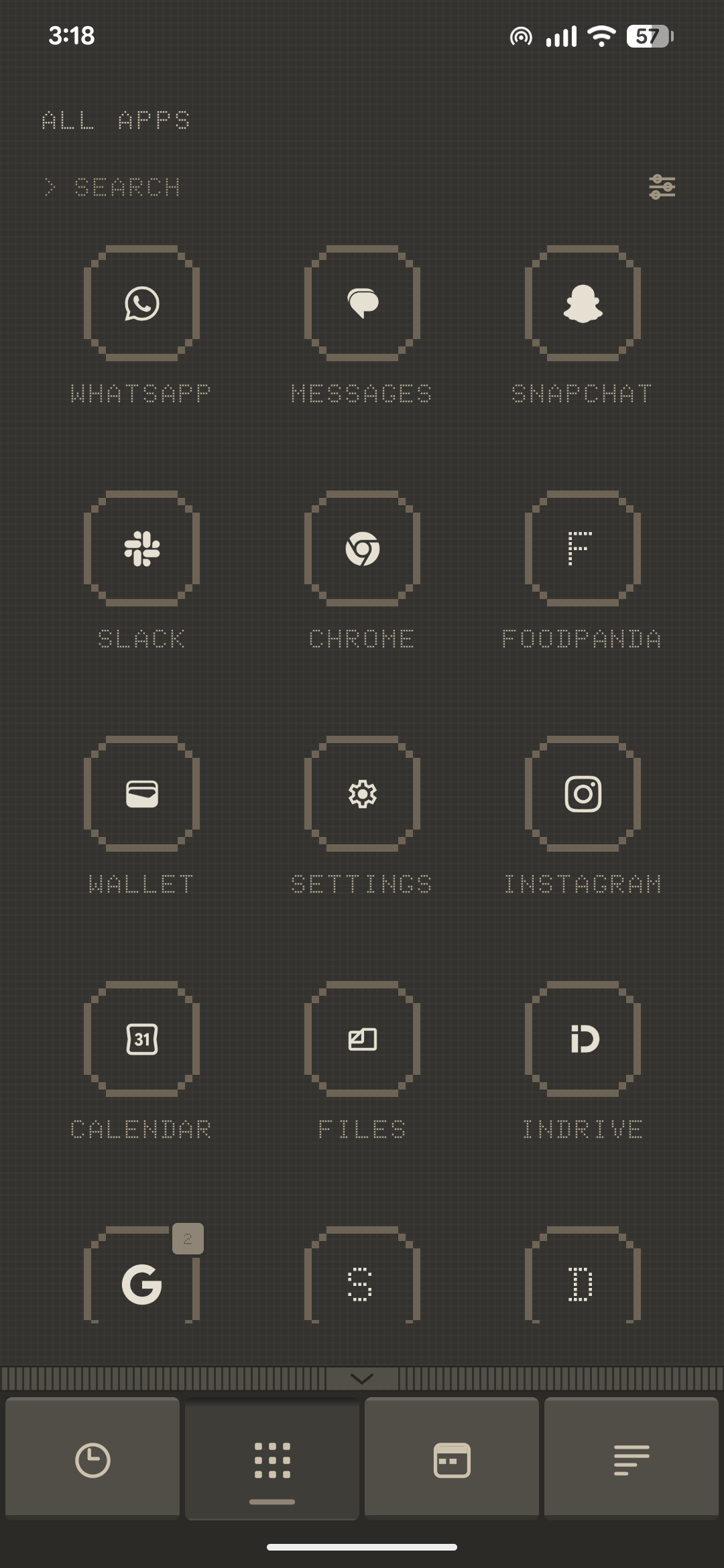
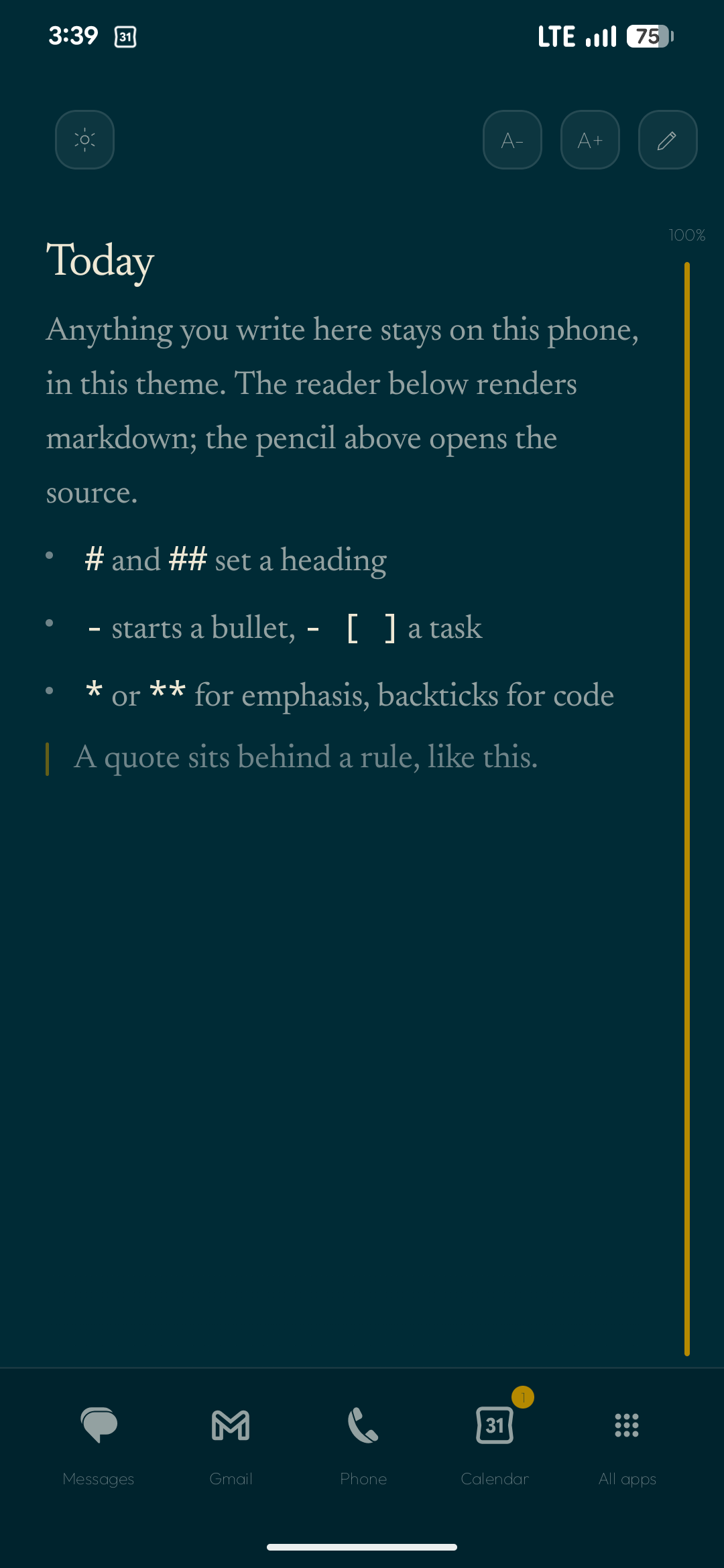
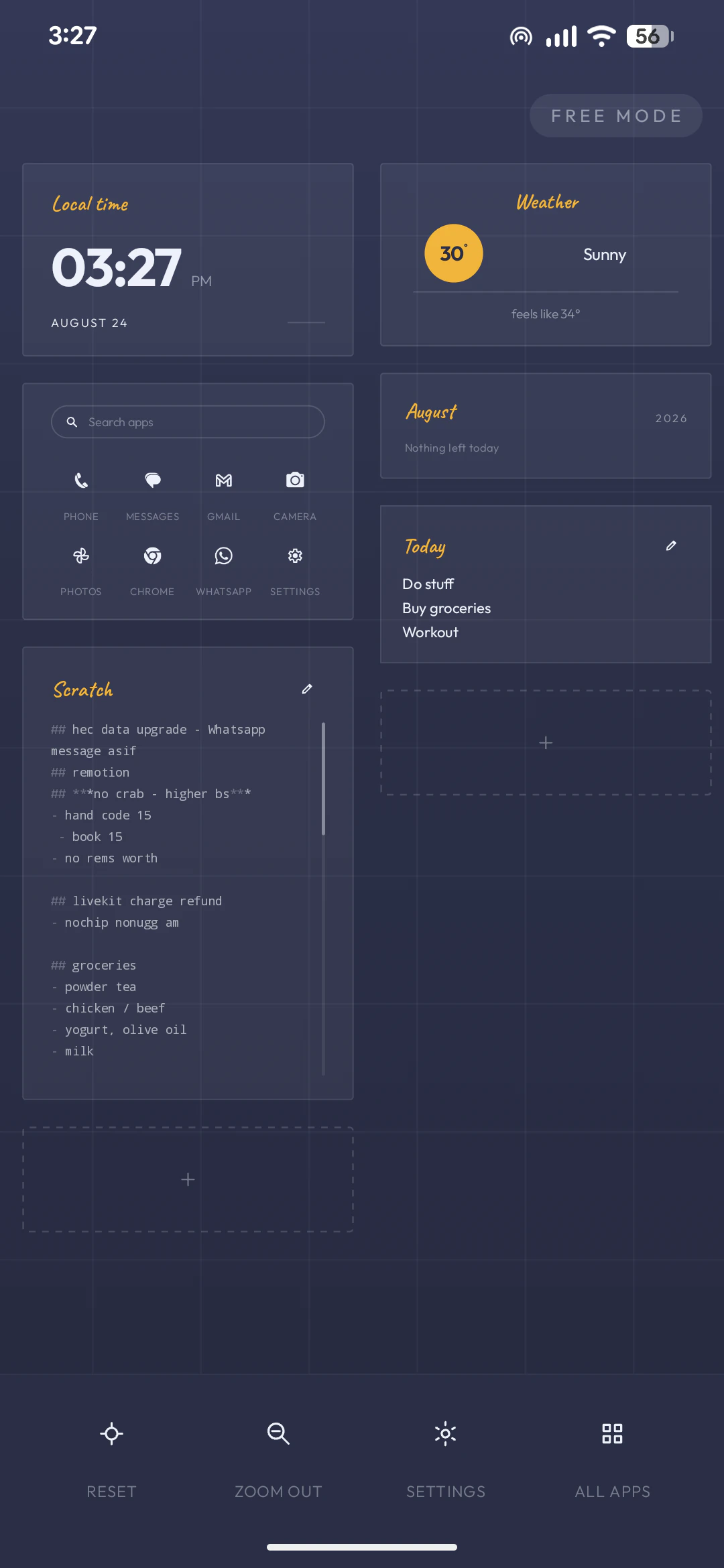
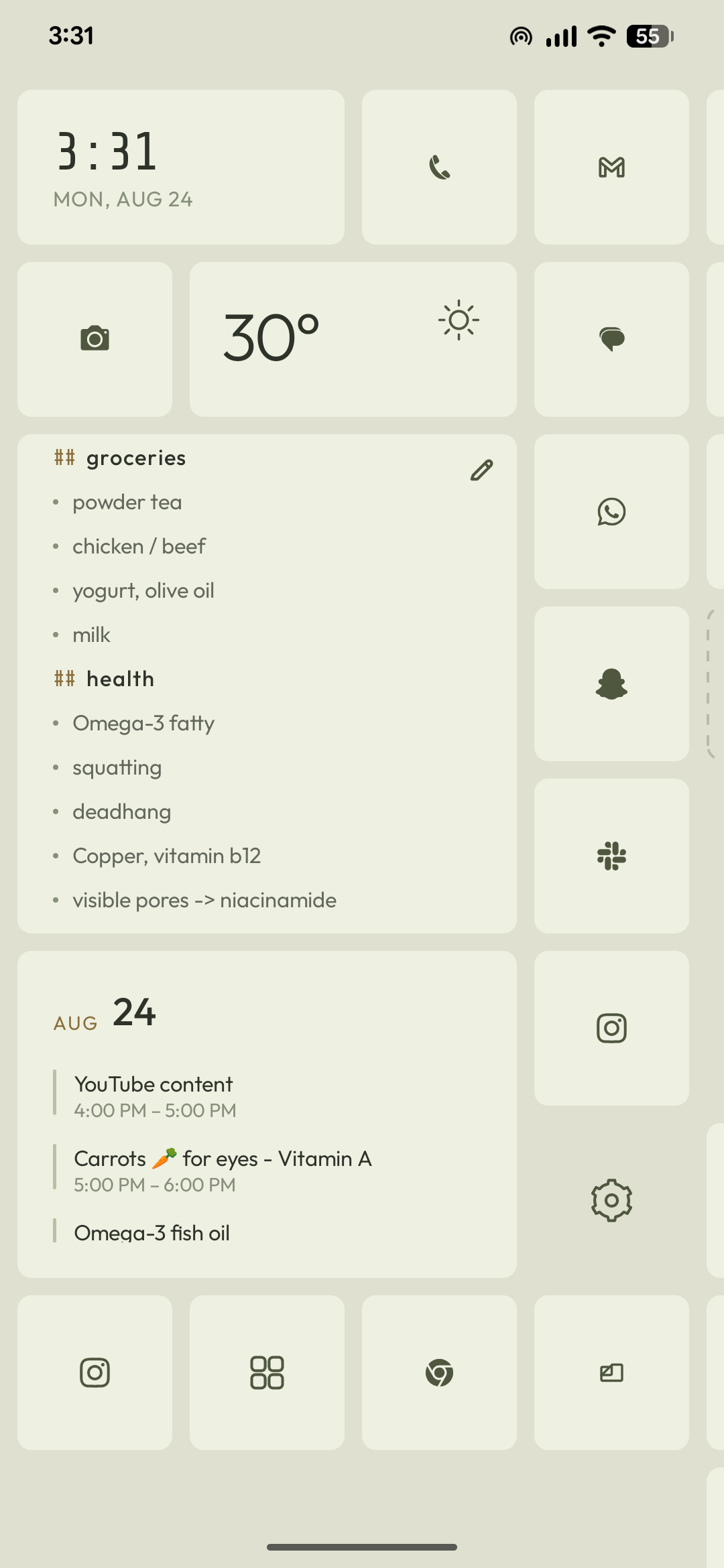
Screenshots undersell the gestures.
Forty seconds of thumb: drawer pull, theme swap mid-scroll, notes rail, page fling. Drop your screen recording into the frame and it plays right here.
- 120 Hz
- held throughout
- 0 jank
- dropped frames
Set it up once. Recognise your phone again.
Android 9 and up. Set as default from the first launch, back to stock any time — Axo never touches your app data.